Beattie Park
Open lawns for a relaxed family outing.
East Olive Ave & S 5th St, LompocDirections ↗ Moonspace Lompocby Healing Camp
YOUR LOCAL CONNECTION
Local food & resources. Things to do. A community to belong to.
CLOSE TO HOME
No published schedules for today in this small collection. Explore all dates or visit 211 Santa Barbara County ↗ for more help.
Published schedules · Confirm with the provider before you go.
A TOWN WE MAKE TOGETHER
Local activities and community notices, reviewed before they appear.
Local information, with sources you can check.
YOUR LOCAL CONNECTION
Food, community events and little places worth finding.
Based on published details. Check exact ages in each listing.
Past events and listings not in this collection stay saved until you remove them. Missing listings may return with an update.
Published schedules, not live availability. Check the official listing before you go.
Loading local listings…
SELECTED LOCATION
Loading a map connects to Google. You can also use the address above.
Map shows one selected address. If it does not load, use Get directions.
GROW THIS WITH US
Suggest a public event, a family program or a place worth exploring. Include an organizer’s public link so we can check the details.
See reviewed local news, or prepare a suggestion for our team.
A TOWN WE MAKE TOGETHER
A good plan. A helping hand. Something worth sharing.
A small, curated community board. We check a public source before posting. Confirm details with the organizer before you go.
No current reviewed posts in this category. Have a public source to share?
Moonspace’s team selects and edits these posts from public organizer sources. They are not messages from other residents. A review is not organizer endorsement or a guarantee of availability.
Suggestions arrive by email and stay private while we review them. They do not publish automatically. We welcome local activities, public volunteer opportunities and practical community notices.
Leave out children’s names, private addresses and personal circumstances. No private childcare matching, sales, donations, anonymous comments or direct messaging are available here.
See a problem? Use “Report this post” on a card. Reports go to hello@moonspacelompoc.com. If information cannot be checked, we hold or remove it. Posts leave this board when they expire.
ONE TOWN. A SHARED HORIZON.
A little wonder, just above us.
ROCKET TOWN · LOMPOC
Lompoc sky
One town. A shared horizon.
A little wonder, just above us.
Rocket illustration · tap to explore
Time to be announced
Check the official mission page for the latest launch announcement.
Launch data: The Space Devs ↗
Aggregated update · confirm with the official source.
Check the official source before making plans.
Lompoc local time (Pacific) · Schedules can change.
Check the official update before heading out. A launch window is a target, not a guaranteed liftoff time. Weather and the flight path affect what you can see. Follow posted access rules and closure notices; this card does not direct you onto the base.
Launch data from The Space Devs is an aggregated schedule, not live flight tracking or an independent official verification. The shared feed refreshes about every 15 minutes. Its collection time is separate from the provider’s record-update time and our manual source-review time. Conflicting sources or uncertain time precision hide exact timing. If the feed becomes more than 45 minutes old, we use the reviewed copy; a manual review expires after 24 hours. Check the official source before making a plan.
The illustrated sky follows Lompoc’s clock: morning 6–9 AM, daytime 9 AM–5 PM, evening 5–8 PM, and night 8 PM–6 AM. It is not a weather or sunrise forecast. The eight tower lights illustrate the approach to a current target window, beginning within 24 hours and filling by one hour before it opens. They do not show fuel level or launch readiness. The coastal facility is an imagined illustration, not a live view or an exact map of a launch site. Small glowing particles near the window are decorative, not smoke or engine ignition. Only a fresh provider flight report enables a brief illustrated ascent with engine flame and smoke, followed by a sky prompt. This does not show the rocket’s current position or guarantee visibility. Times and outcomes can change.
LOMPOC SKY OUTLOOK
A freshly reviewed launch window is needed for a launch-time forecast.
Lompoc local time (Pacific)
A little planning before you look up.
Cloud cover is one piece of the view. Coastal fog, haze, hills and the flight path also matter. This is not a chance-of-seeing-a-rocket score.
Lompoc city reference · forecast, not a live sky reading
FIND YOUR PATCH OF SKY
Find the direction of Vandenberg’s launch area from your viewing spot. Rockets often travel south or south-southeast, but the route changes with the mission.
The flight direction is not always the direction you should face. The launch pad and your location both matter.
About flight paths · Space Force ↗Check posted hours and launch-day access before leaving. These are options, not confirmed open viewing sites.
Open lawns for a relaxed family outing.
East Olive Ave & S 5th St, LompocDirections ↗A convenient in-town option, farther from the coast.
800 W Ocean Ave, LompocDirections ↗Watch the ascent; the launch pad is not visible. Sports can fill parking.
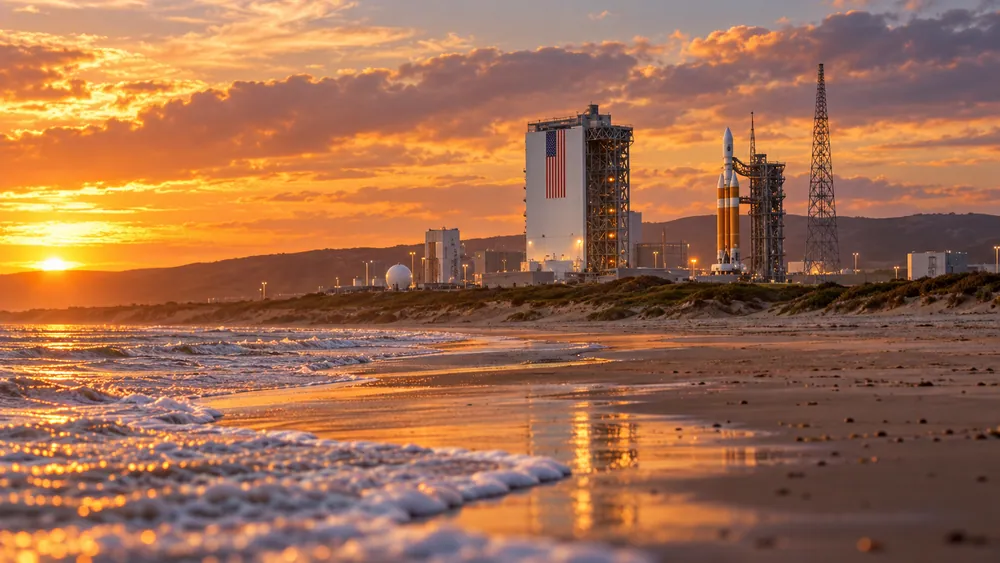
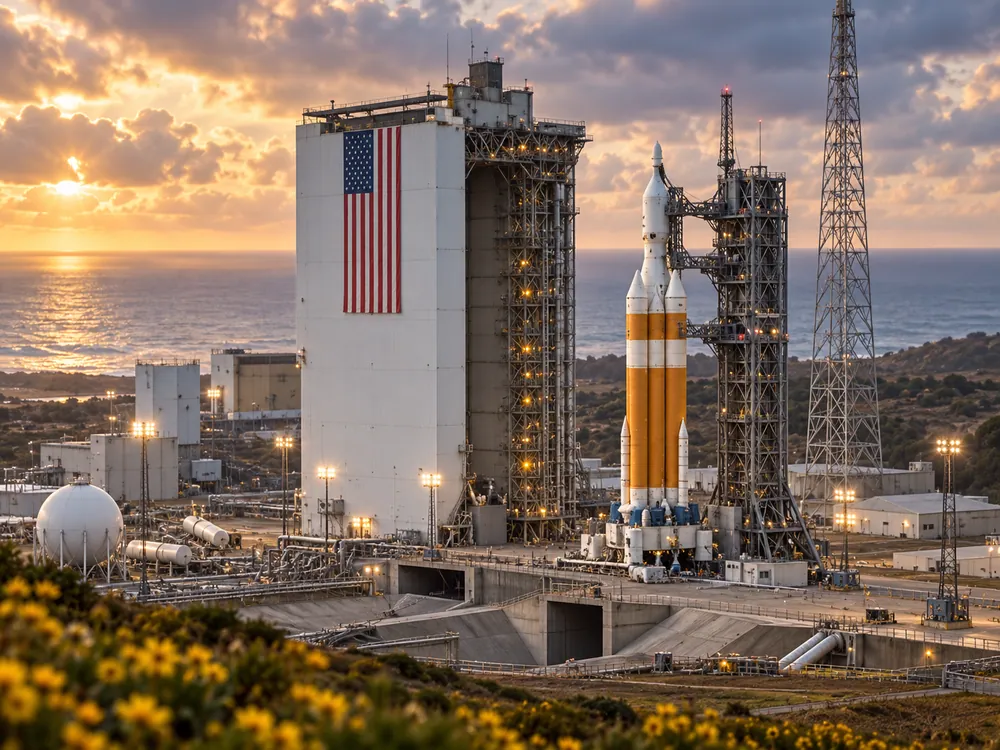
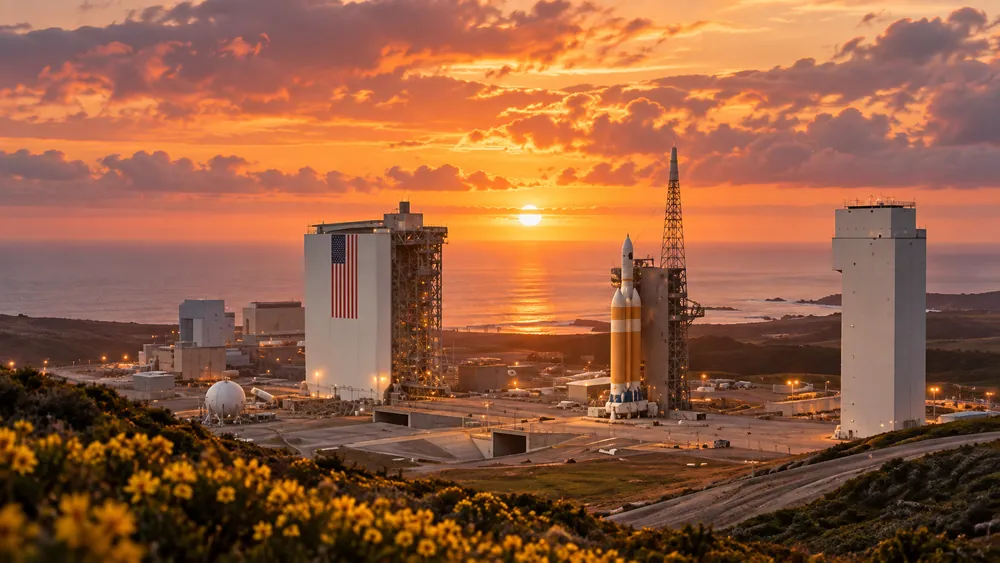
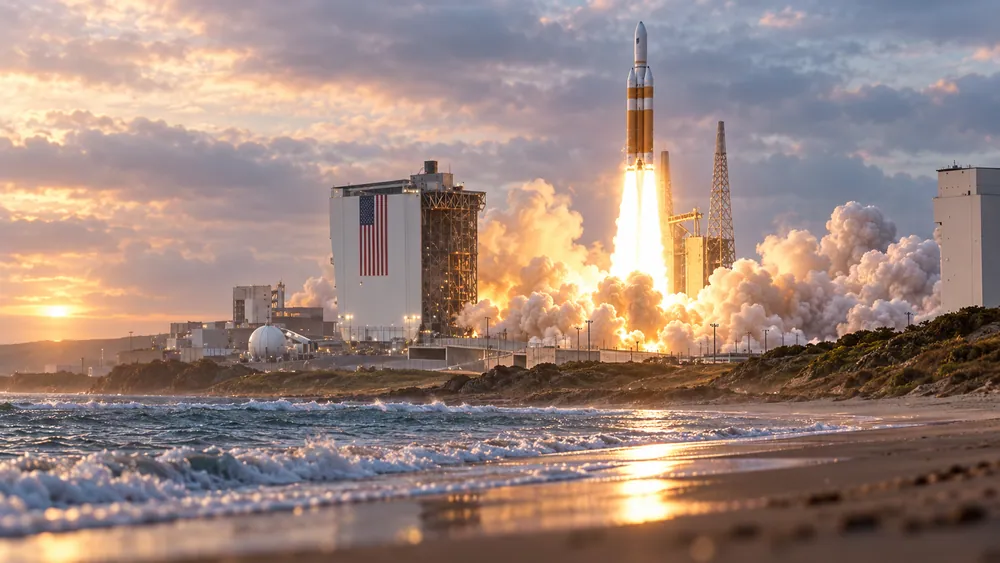
N A St & McLaughlin Rd, LompocDirections ↗A small collection inspired by our town’s shared horizon. These are imagined artworks, not photographs of an actual launch site or guides to a viewing location.
Artwork unavailable right now.
Artwork unavailable right now.
Artwork unavailable right now.
Artwork unavailable right now.
Swipe or scroll to explore